Screenshots: Reports
Here are some useful reports that you can get with Boss Everyware:
Working time
If you have installed Boss Everyware on your computer, these reports are listed on the welcome page of Reports application.
All the data shown in these sample screenshots are artificially generated and do not refer to any live human being.
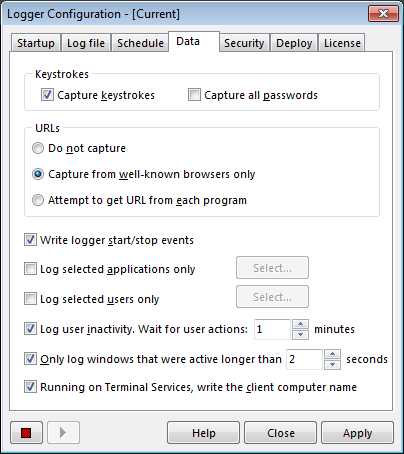
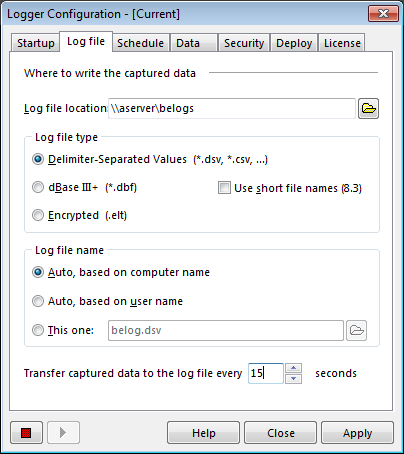
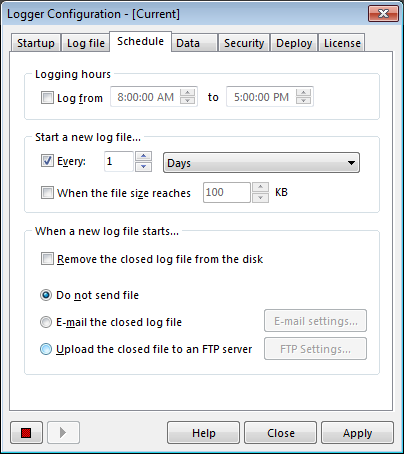
Screenshots: Logger Configuration tool
This is where you control the monitoring process: